
How to Buy Rob Run Cheats With Card, PayPal, Crypto & More
Step-by-step guide to purchasing Rob Run PHANTOM on BetterCheats.com using credit/debit card, PayPal, CashApp, crypto or bank transfer. Covers the sellauth payment flow, key delivery to email, loader download and what to check after checkout.
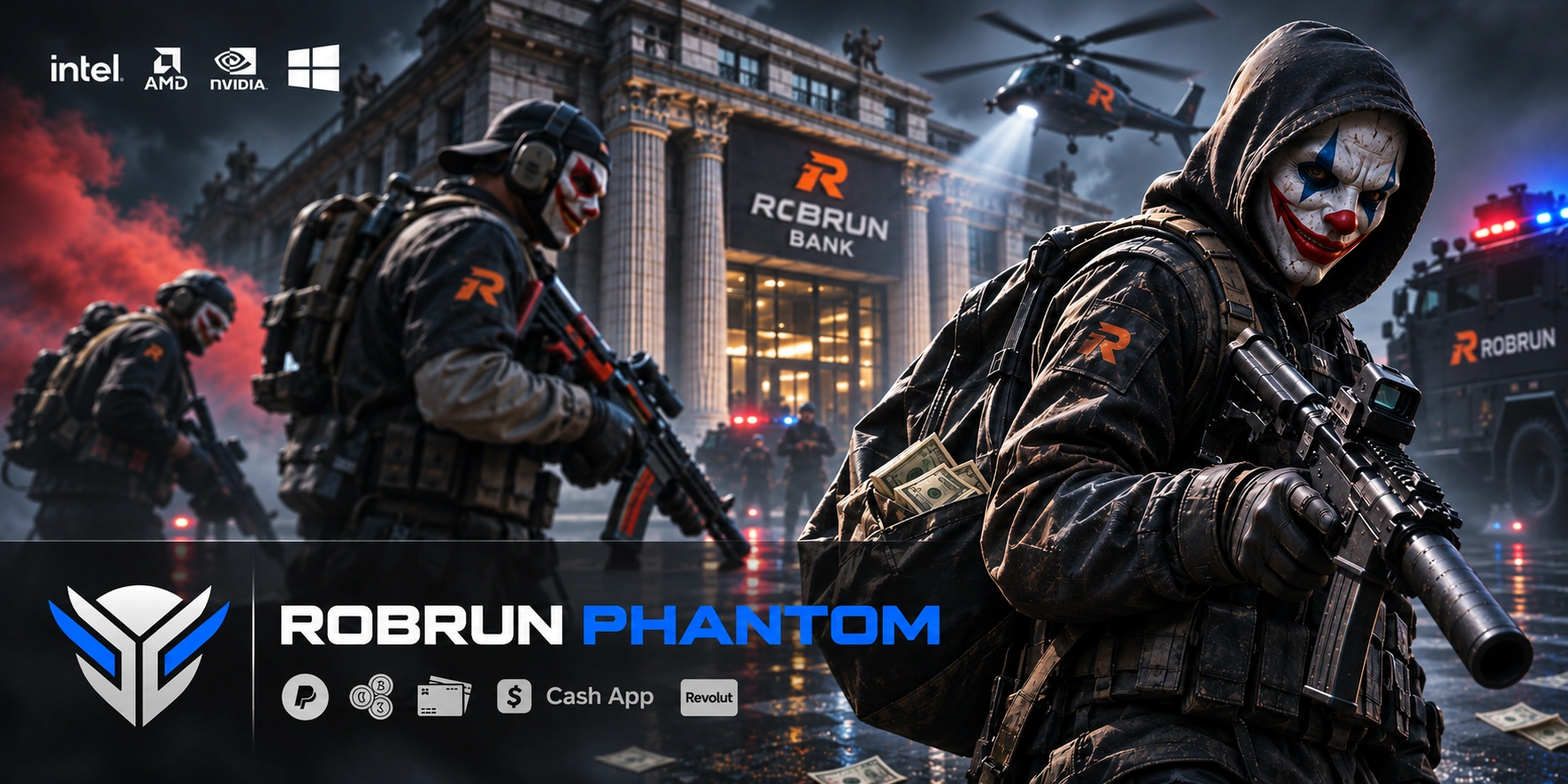
How to Buy Rob Run Cheats on BetterCheats.com
Buying Rob Run cheats from BetterCheats.com takes about five minutes. You choose the product, pay through sellauth, and your license key, cheat loader and setup tutorial land in your email instantly. This guide walks you through every step so you know what to expect before you check out.
You need a valid email address and any payment method from our checkout: credit or debit card, PayPal, CashApp, crypto or bank transfer. If you have both, you are ready.
What You Are Buying: Rob Run PHANTOM
The product for Rob Run is Rob Run PHANTOM, a high-performance cheat with aimbot and ESP built in. It targets Windows 10 and Windows 11 systems and is listed as updated and undetected at the time of writing.
Before you buy, confirm your game version matches what the product supports. The product page states its current build target and its live detection status. Check both before checkout, because our refund policy is strict.
This guide is about the purchase flow. For installation, see our separate Rob Run cheats setup guide, which covers the loader, injection method and first launch.
Step 1: Open the Product Page
Go to Rob Run PHANTOM on BetterCheats.com. Read the key features and the system requirements listed on that page before adding anything to your cart.
Pay attention to the Windows configuration the product expects. If your system has Secure Boot, TPM or virtualization settings that conflict with the loader, the setup guide explains what to adjust. Sort this out before you pay, not after.
Step 2: Add to Cart and Start Checkout
Select the product and add it to your cart. Proceed to checkout. The store redirects you to sellauth, our payment processor, to complete the transaction.
Sellauth is the standard checkout used across our catalog. It handles the payment itself; we never see your card number or wallet details. You finalize the order on the sellauth page, not back at our storefront.
This is the step where most new buyers get confused. The checkout page looks like a separate site, and it is. That is expected. Stay on it and finish the payment there.
Step 3: Choose Your Payment Method
At sellauth you pick one of these options:
- Credit or debit card. Enter your card number, expiry and CVV. This is the fastest route and processes immediately.
- PayPal. You are redirected to PayPal to approve the payment, then sent back to sellauth to confirm the order.
- CashApp. Available if supported for your region. Follow the in-page payment instructions.
- Crypto. Pass a wallet address and confirm the transaction on the network. Rates are set at checkout, so pay promptly in case the price shifts.
- Bank transfer. You receive transfer details and complete the payment from your bank. This method is slower than card or PayPal because it relies on bank processing times.
Whatever you choose, enter the email address you actually check. That email is where your delivery lands.
Step 4: Check Your Email for the Key, Loader and Tutorial
As soon as sellauth confirms payment, your license key, the cheat loader download link and the setup tutorial are sent to your inbox. This is instant, not scheduled. If you used bank transfer, delivery happens after the transfer clears.
Check the spam and promotions folders if nothing appears in the first few minutes. Many email providers filter mail with loaders and keys. Add our sender address to your contacts so future updates and detection notices do not get lost.
The delivery email is your only source for the license key. We do not keep a copy you can retrieve later, so save it somewhere safe. Losing it means losing access.
Step 5: Download the Loader and Verify Delivery
Download the loader from the link in your email. Some antivirus programs flag cheat loaders by signature, which is normal for this category. If you see a warning, you get to decide whether to add an exclusion. That choice is yours, and it is explained in the tutorial PDF included in the email.
Confirm the download finishes cleanly and the loader opens. Then follow the Rob Run cheating setup guide for injection, first launch and in-game configuration.
Your verification that purchase worked is simple: the loader opens, reads your key, and lets you launch into the game with the menu active.
What to Do If Delivery Did Not Arrive
Wait ten minutes first. Payment confirmations from crypto networks and bank transfers can lag behind checkout.
If nothing arrives after that, contact our support with your order email and payment reference. Include which payment method you used. This lets support trace the order and resend your key and loader.
Do not buy a second copy while troubleshooting. Duplicate purchases are not refundable under our policy, and a delayed email is almost always a delivery filter issue, not a lost order.
Questions to Ask Before You Buy
Read the product page for these before checkout, because the answers are specific to the current build:
- Which Rob Run build or season does this version target?
- Which anti-cheat is it built against?
- Is it external, internal, or overlay only?
- What happens to your subscription when a game patch takes it down?
- Is an HWID spoofer required, bundled, or sold separately?
- Does your Windows setup satisfy the listed requirements?
You will find these answered on the Rob Run PHANTOM product page. If a figure is missing there, ask support before paying. Our refund policy does not cover post-purchase questions you could have asked first.
Honest Limitations to Know
Detection status is a snapshot. The product is undetected at the time of writing, but no cheat in this category stays undetected forever. The product page keeps its live status updated, and our update policy explains what happens when a patch lands.
No refunds are issued after purchase for any reason. A license key cannot be returned once delivered, so treat every order as final.
Delivery speed depends on your payment method. Card and PayPal are instant. Crypto depends on network confirmation. Bank transfer is the slowest and only completes after the transfer clears.
Terms of Service and Ban Risk
Using this software violates the Rob Run publisher's terms of service. It can result in a permanent ban of the game account, and in some titles a hardware or account-family ban.
You use it at your own risk, on an account you can afford to lose. We strongly recommend a secondary account you do not mind losing.
Because of the digital nature of license keys, BetterCheats maintains a strict no-refund policy. Once a key is provided it cannot be returned, as it can be activated immediately and cannot be recovered once distributed. Read our full Terms of Service before completing any transaction.
Get Started
Pick your payment method, confirm your Windows setup, and head to the Rob Run PHANTOM product page to begin checkout. Your key, loader and tutorial are in your inbox within minutes.
Published at Nov 15, 2026