How to get Unbanned on Rob Run with BetterCheats HWID Spoofer PHANTOM Spoofer in 30 Seconds
Step-by-step guide to changing hardware serial identifiers after a Rob Run ban using the PHANTOM temporary HWID spoofer. Covers the two undetected Rob Run cheats (Infinity and PHANTOM) and why the named account cannot be restored.
What a Rob Run HWID Ban Actually Is
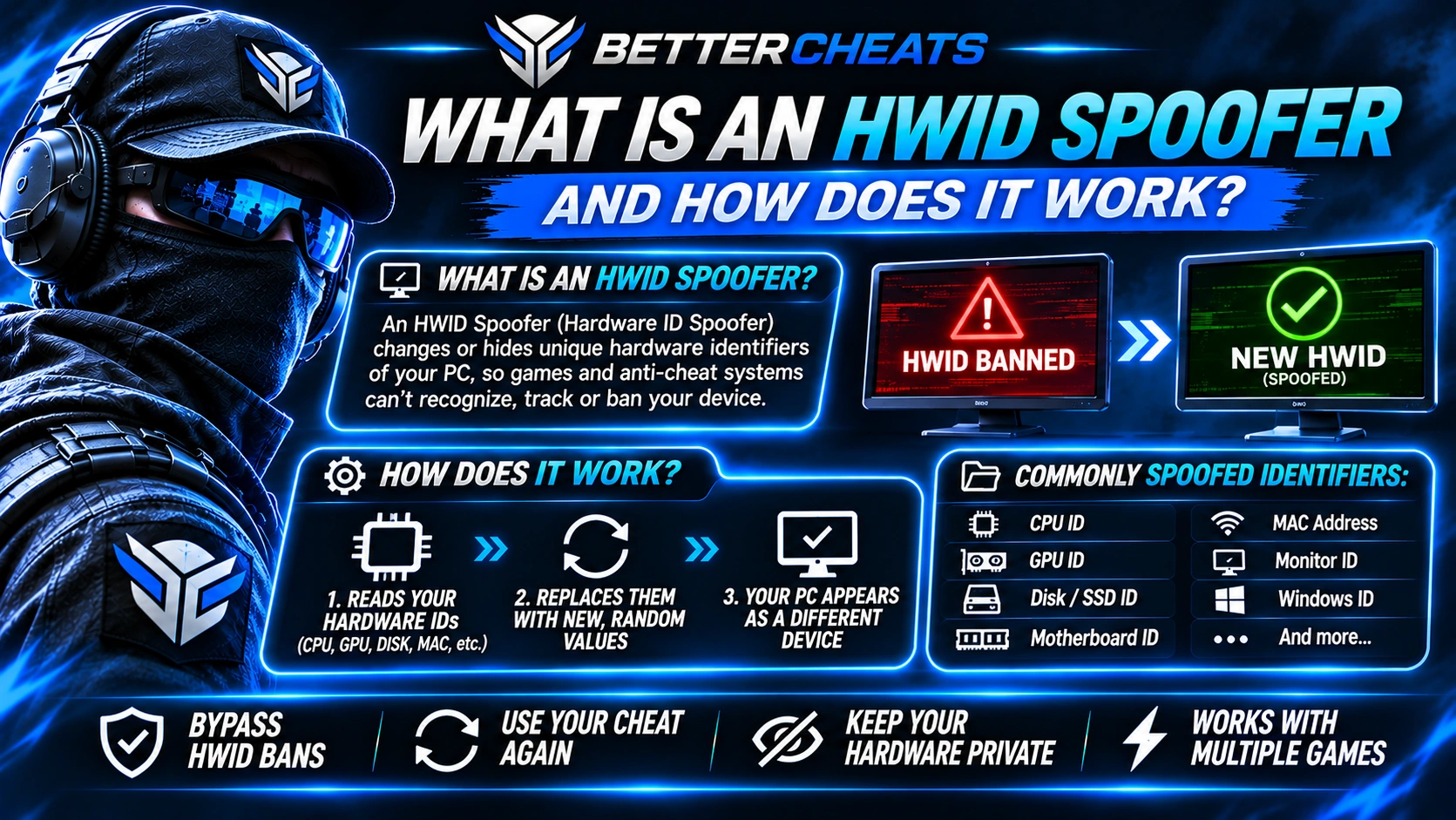
When Rob Run bans you, it does not just take down the game account. The game records hardware serial identifiers from your machine and flags them. A new account on the same hardware gets banned again within minutes, because the reset still points at your computer, not your username.
That is what a hardware ban is. The game is not banning an identity. It is banning a fingerprint built from your motherboard, disk, MAC address, and other unique identifiers.
This guide covers one concrete task: wiping that fingerprint so you can return after a Rob Run HWID ban. You will use our PHANTOM temporary spoofer to reassign fresh hardware serials in under 30 seconds, then start over on a new account.
What You Need Before You Start
- A copy of the PHANTOM temporary HWID spoofer
- A brand new Rob Run account you are prepared to use only for testing
- Administrator rights on your Windows machine
- Antivirus or a game overlay closed during the spoof and launch
One point to settle first. The named account that was banned will not be restored. No tool, spoofer, or support ticket brings it back. The ban applies to those hardware serials, and the fix is to stop presenting those serials, not to recover the old login.
How the PHANTOM Temporary Spoofer Works
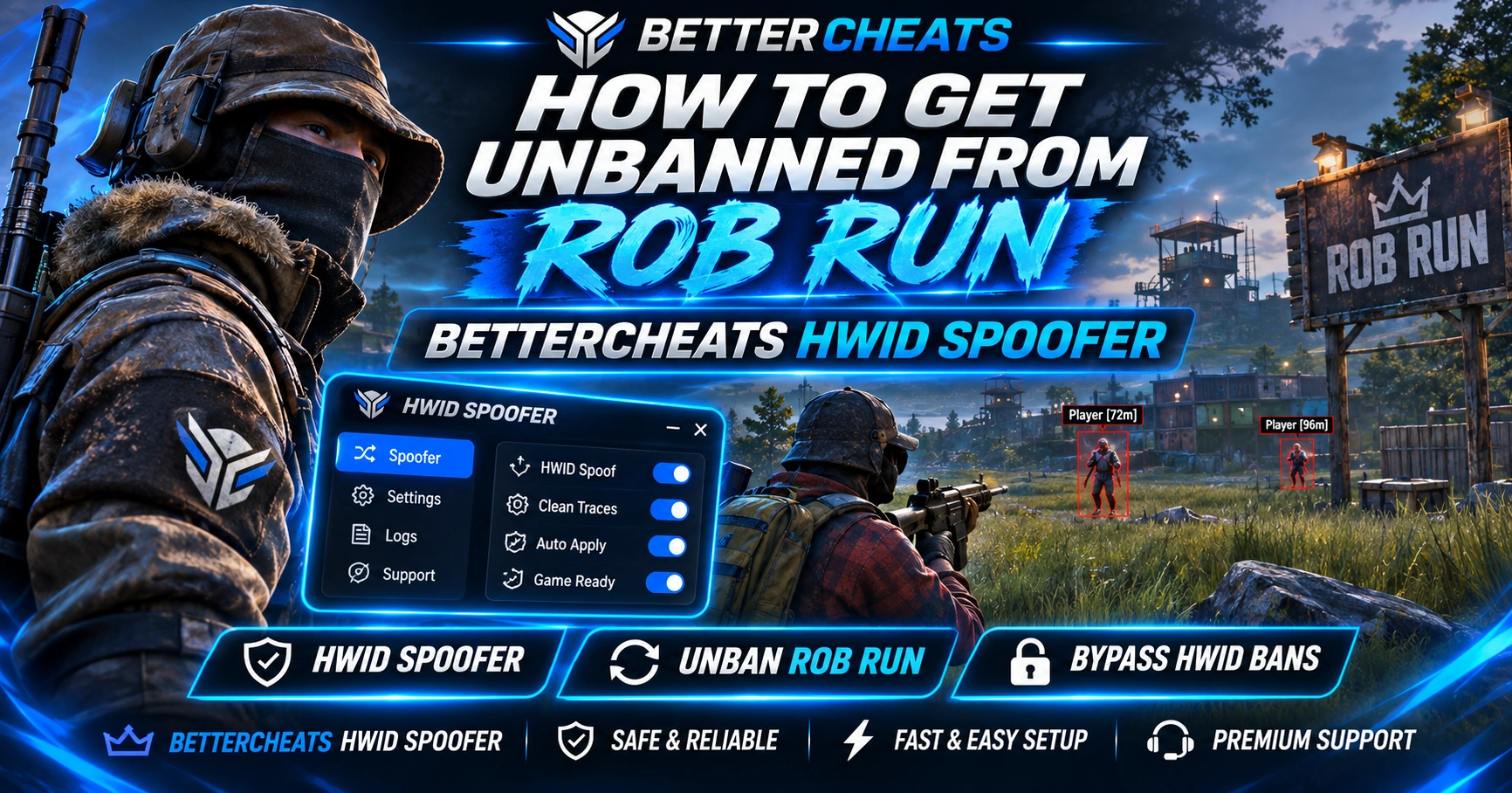
PHANTOM is a temporary spoofer. Instead of permanently modifying anything on your system, it swaps the hardware identifiers your games and anti-cheats read, presents the spoofed set while you play, and keeps the scope limited.
Because it is temporary, it does not touch your Windows installation or firmware. A reboot clears the spoofed identifiers, and your hardware returns to its normal state. That is why setup can stay fast and why the spoofer stays lightweight.
PHANTOM supports every major anti-cheat except Riot Vanguard, so it covers Rob Run's anti-cheat cleanly. Note that Delta Force (ACE) needs a VPN for some users, and ACE itself only works for some people. If you run ACE, ask our Discord support before buying. For Rob Run, none of that applies.
Step-by-Step: Unban Rob Run HWID in 30 Seconds
This is the sequence. It takes under 30 seconds once the spoofer is downloaded.
- Close Rob Run fully and exit any separate launcher or updater it runs.
- Close background overlays including Discord overlay, GeForce overlay, and your antivirus if it is pausing installs.
- Open the PHANTOM loader as administrator. Right-click the file and select Run as administrator.
- Sign in with the license key from your purchase email. No key is generated until you have bought and received it.
- Click the spoof button once. The loader reports when the new serials are applied.
- Do not reboot. Temporary spoofing is live until reboot, and restarting clears it.
- Verify the change (next section), then launch Rob Run.
- Sign in with the brand new account. Never reuse the banned login.
The step where most people go wrong is rebooting after the spoof. A temporary spoofer lives in memory, so restarting your PC silently unsets it. If you reboot, run the spoof again before launching Rob Run.
How to Verify the Spoof Worked
You need proof the serials changed before you waste time on a fresh account. Check the loader's own status line, which shows the current spoof state and whether it is active.
For a second check, open a terminal and compare your reported serials before and after. On a clean Windows machine, the new values differ from the originals. If the loader shows the spoof active and your launch goes without an immediate ban, the hardware fingerprint is accepted.
The real test is time. Play for a session on the new account. If that account survives, your machine is no longer presenting the banned identifiers.
If It Did Not Work
Two things cause most failures. The spoofer was not run as administrator, so it could not apply serials high enough in the stack. Or the machine was rebooted between spoofing and launching, which cleared the temporary state.
Re-run the loader as administrator, confirm the spoof is active, and do not restart. If it still fails, contact our Discord support with your purchase and system details. For ACE titles specifically, confirm before purchasing, because ACE only works for some users and requires a VPN.
Use a New Account After the Spoof
A spoofer resets your hardware fingerprint. It does not reset your account. The banned login remains flagged and will not be restored, so do not sign into it after spoofing.
Register a fresh account, log in with that, and keep your primary account safe. Using a throwaway account is the standard practice in this game. It keeps a hardware ban from costing you your real progress if the new account is detected.
Two Undetected Rob Run Cheats: Infinity and PHANTOM
Our catalog carries two undetected Rob Run cheats, each built for a different style of play.
Rob Run Infinity gives you silent aim, full player ESP with boxes, skeletons and names, world ESP covering loot and vehicles, instant loot, and a skin changer. It includes a free web radar. This is the all-rounder for players who want both aim and awareness in one menu.
Rob Run PHANTOM leans into raw aimbot control. It offers memory, silent, or both aim types, silent aim with FOV and hit chance, smoothing, target bone selection, visibility check, and prediction, plus a trigger bot. The full aim-tweaking suite is on the Rob Run PHANTOM product page.
Both are internal cheats that ship with ESP and aim assistance, so pick on weapon-feel preference rather than capability. For tighter control over every shot, choose PHANTOM. For constant map and loot awareness with less fine-tuning, choose Rob Run Infinity. If you want the strongest protection and feature-priority voting, the private slots add a unique bypass and a private Discord channel.
The One Tool That Covers Both
Both cheats are undetected at the time of writing, but detection status is a snapshot that changes with every game patch. What protects you after a strike is the same PHANTOM temporary HWID spoofer from this guide. One click, under 30 seconds, and your hardware presents clean serials to Rob Run again.
The full list of supported anti-cheats (all except Valorant) is on the HWID Spoofer category page, alongside the permanent spoofer if you prefer not to re-run it after reboots.
Risks and Limits You Should Know
No spoofer or cheat is guaranteed safe forever. Detection status is always a moving target, and Mantis-style anti-cheats update constantly. PHANTOM is undetected at the time of writing; that is a point-in-time statement, not a promise.
Using game enhancement software against Rob Run's terms carries real consequences. It can result in a permanent ban of the game account, and in some titles a hardware or account-family ban. You use it entirely at your own risk, on an account you can afford to lose — always a secondary account.
Our refund policy is strict: no refunds are given after purchase under any circumstances, because license keys are distributed immediately. Read the Terms of Service and the refund policy on the product page before you buy.
If you are ready, grab the PHANTOM temporary spoofer, pair it with your Rob Run cheat of choice, and start clean on a new account.